Anydesk
AnyDesk, a fast remote access to computers

Safe & Secure
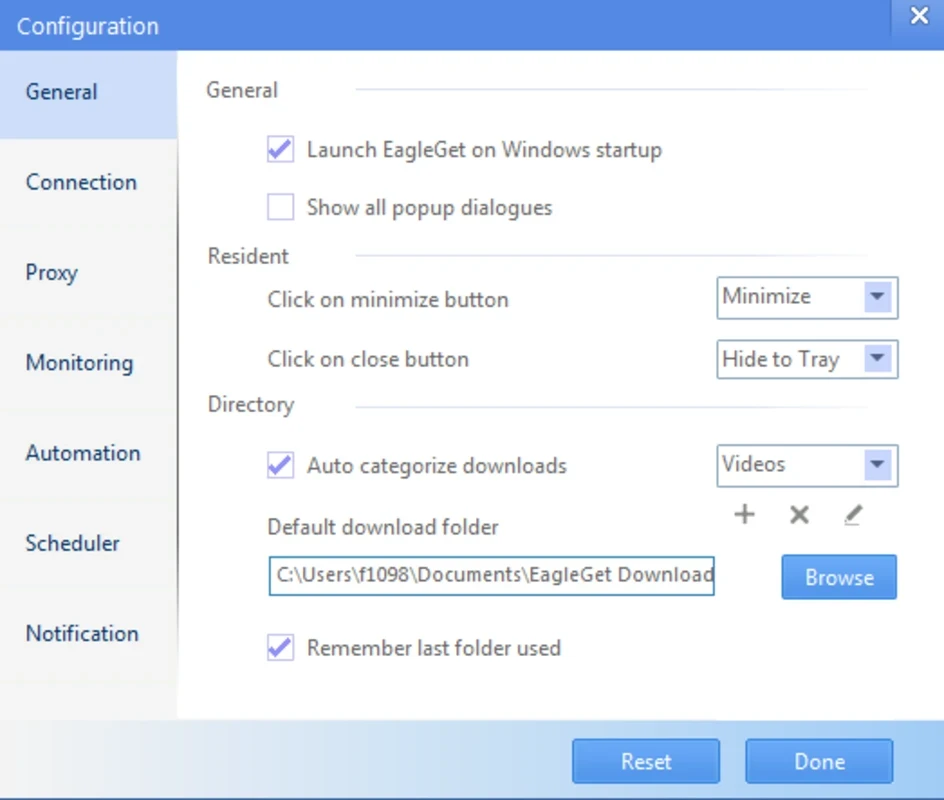
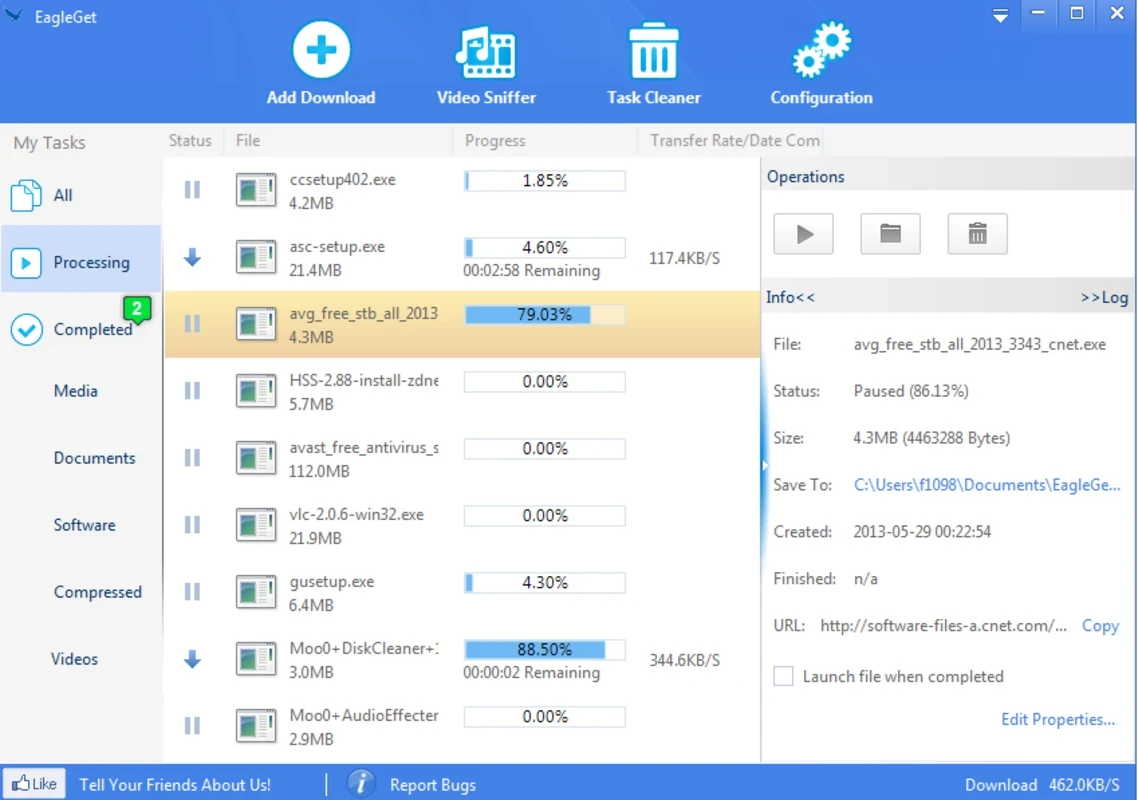
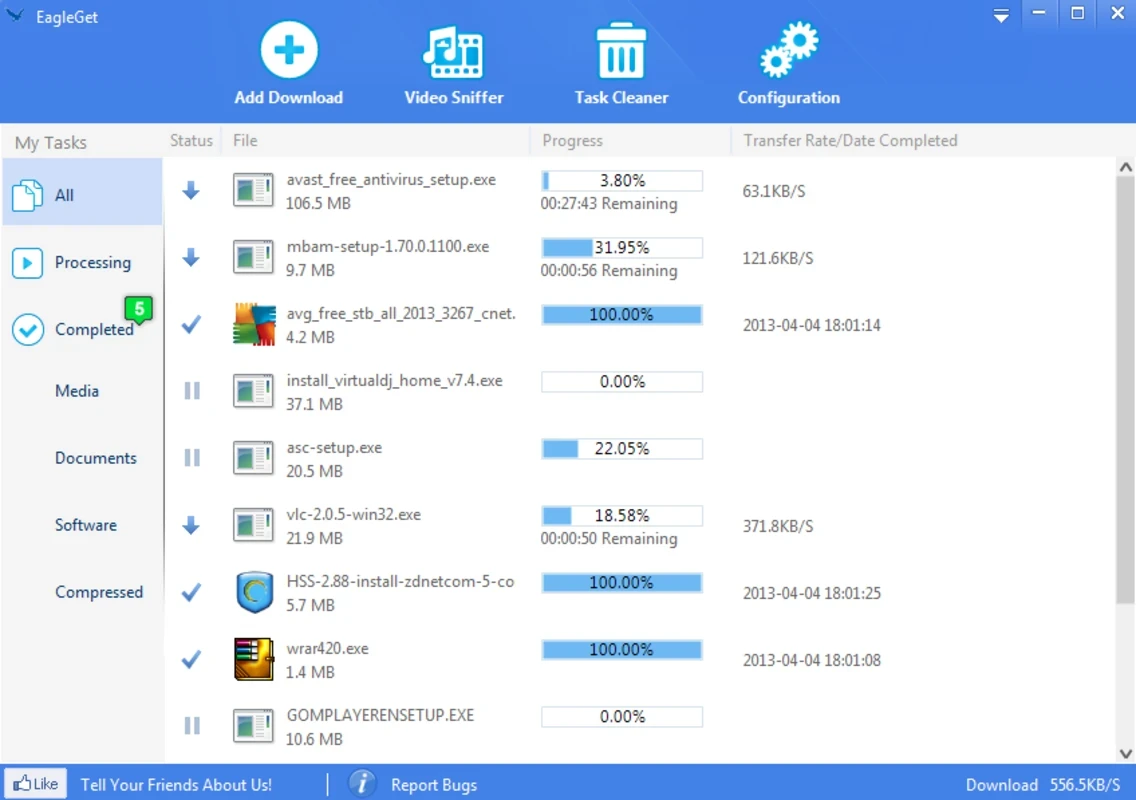
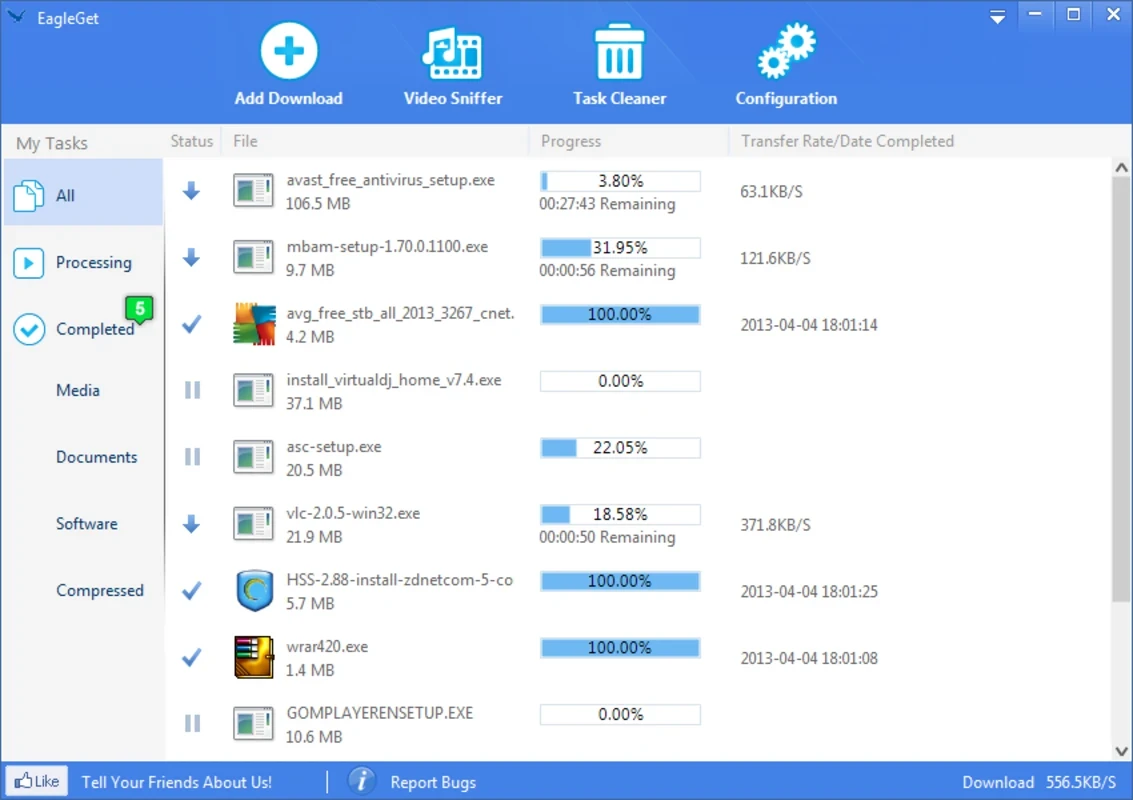
EagleGet is a comprehensive download manager that enables users to download videos, photos, program files, and more, supporting multi-threaded technology. The integration with multiple web browsers offers flexibility and versatility of usage, making the app one of the best downloaders and accelerators.
The app offers improved bandwidth usage and enhances speed as well as reliability using multitasking capabilities such as download scheduling, malware inspection, and queuing management. It supports different ways to add downloads, including drag-&-drop, copy/paste, and a video menu for streaming content.
EagleGet, developed by EagleGet and falls under the Internet category, is a Freeware software, specifically designed for the Windows operating system. It is a lightweight and classic download accelerator that offers quick downloading, even the lager files with multi-threaded technology support, and offers robust speed compared to standard browser downloaders.
By 2020, official support for the app had been discontinued, but still, it is one of the most popular tools in different scenarios, such as automated offline task handling, retro-computing environments, and legacy system deployments.
Compared to other standard browser downloaders, the tool offers six times faster speeds, as the use of advanced algorithms helps users to split files into multiple parts and download them simultaneously. In this way, you can download even larger files hassle-free without wasting your time and energy. The fastest speed enables users to download huge content quickly and easily.
The availability of a built-in media grabber offers an automatic downloading process from any website. So, there isn’t any need to download and install a third-party tool for the purpose, as the app offers full support of all popular video-sharing platforms, including YouTube, DailyMotion, Vimeo, Youku, Blip, Instagram, 8Trackers, 5min, Metacafe, Teachertube, Photobucket, and so on, allowing users to download whatever they want.
Commonly, we have to face multiple issues while downloading, and broken downloads are one of the most important hurdles. This can be because of multiple reasons such as system crashes, connection loss, power outages, and so on. But the good news with the app, you can easily resume the download process within a single click right from where your download is interrupted.
It is one of the core, handy features to make your downloading quick and easy, as it saves your time and energy, allowing you to copy and paste all the URLs for initiating the batch downloading. The hassle-free feature saves users from the bother of adding the files one by one, instead allowing them to add all files in a queue. Moreover, you can schedule the downloads according to your preferences, using the built-in scheduler. It helps to automate downloads, specifying the time and date, even when the system is idle.
The app is capable of running an anti-virus product, including Avira, AntiVir, AdAware, Avast, Spybot, AVG Anti-virus, McAfee, SpywareBlaster, and others, to automatically scan the download completion. It makes your downloads secure and safe, as it is also embedded with a built-in malware checker, ensuring safe downloading while protecting you from viruses, malware, and other malicious content.
You can use the app as a standalone or as a browser extension, as it offers seamless integration for multiple web browsers, including Google Chrome, Firefox, Opera, and Internet Explorer. So, you can accelerate the downloading process; regardless of what browser you are using, simply connect the program with your conventional browser, and control downloads hassle-free without compromising on speed and reliability.
The app sends notifications to users, informing them about download status such as finished downloading, or program files are being installed. No doubt, the notifications are a good thing, as it alerts us about any new update. But they become irritating sometimes, specifically when we are busy with important activities such as playing games, screen recording, or in a live conference. So, the app offers “Silent Mode” for preventing the notifications to pop-up. Simply enable the mode, and let the app complete its work without notifying you.
Support for both common and HTML5 video downloading from any website is possible, retrieving media in high quality such as 720p and 1080p videos. Moreover, it also offers a built-in Audio Converter that enables users to convert the videos into MP3, with the capability to make ringtones for mobiles with a single click. You can also access the premium version to enjoy an ad-free video downloading experience.
Pros
Cons

AnyDesk, a fast remote access to computers

Accelerated Downloading with Internet Download Manager (IDM)

SHAREit for PC is the best option for a P2P file-sharing process without using Wi-Fi.

ShareMe for PC, a freeware and streamlined file-sharing app

uTorrent, a powerful, lightweight, and fastest P2P file-sharing software

Xender for PC, an effective and convenient file transfer utility